Skip to content
← All projects

GemPages Editor

A dark, hybrid-theme redesign of the GemPages drag-and-drop editor: visual language, 65+ elements, settings and library.

Role
UI/UX Designer
Company
GemPages
Year
2021
Tools
UI Design Motion Design Design System

The GemPages editor is where merchants actually build their stores: drag an element onto the page, style it, publish. No code, and made with conversion in mind. More than 5,000 customers use it, so every panel and shortcut gets used thousands of times a day.

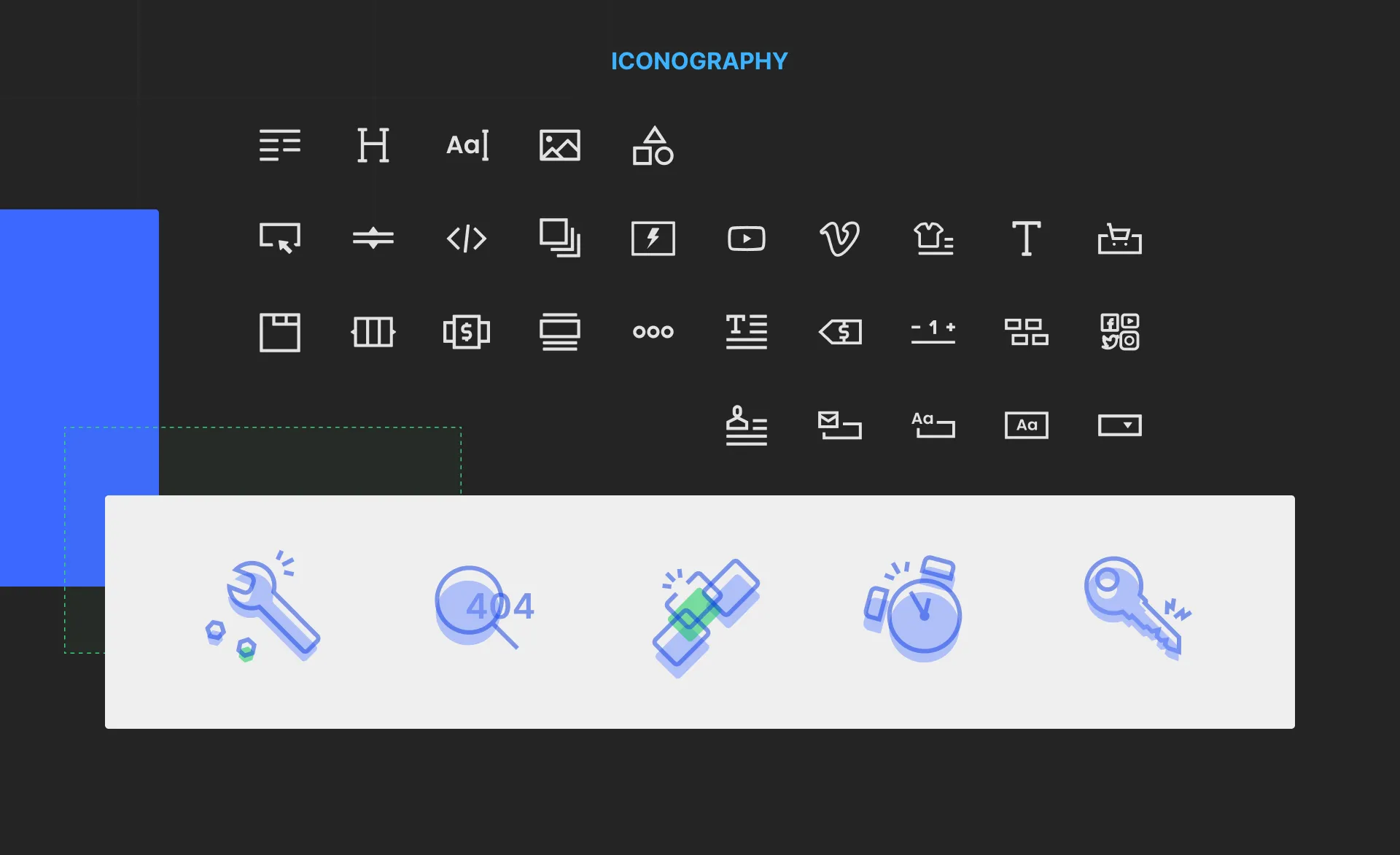
The redesign moved the editor to a dark interface with a hybrid color scheme, so every color had to work on both light and dark surfaces. From there: Inter as the one typeface, a new icon set, 65+ hand-crafted elements, settings that are the same for every element, and a component library that keeps it all easy to update.
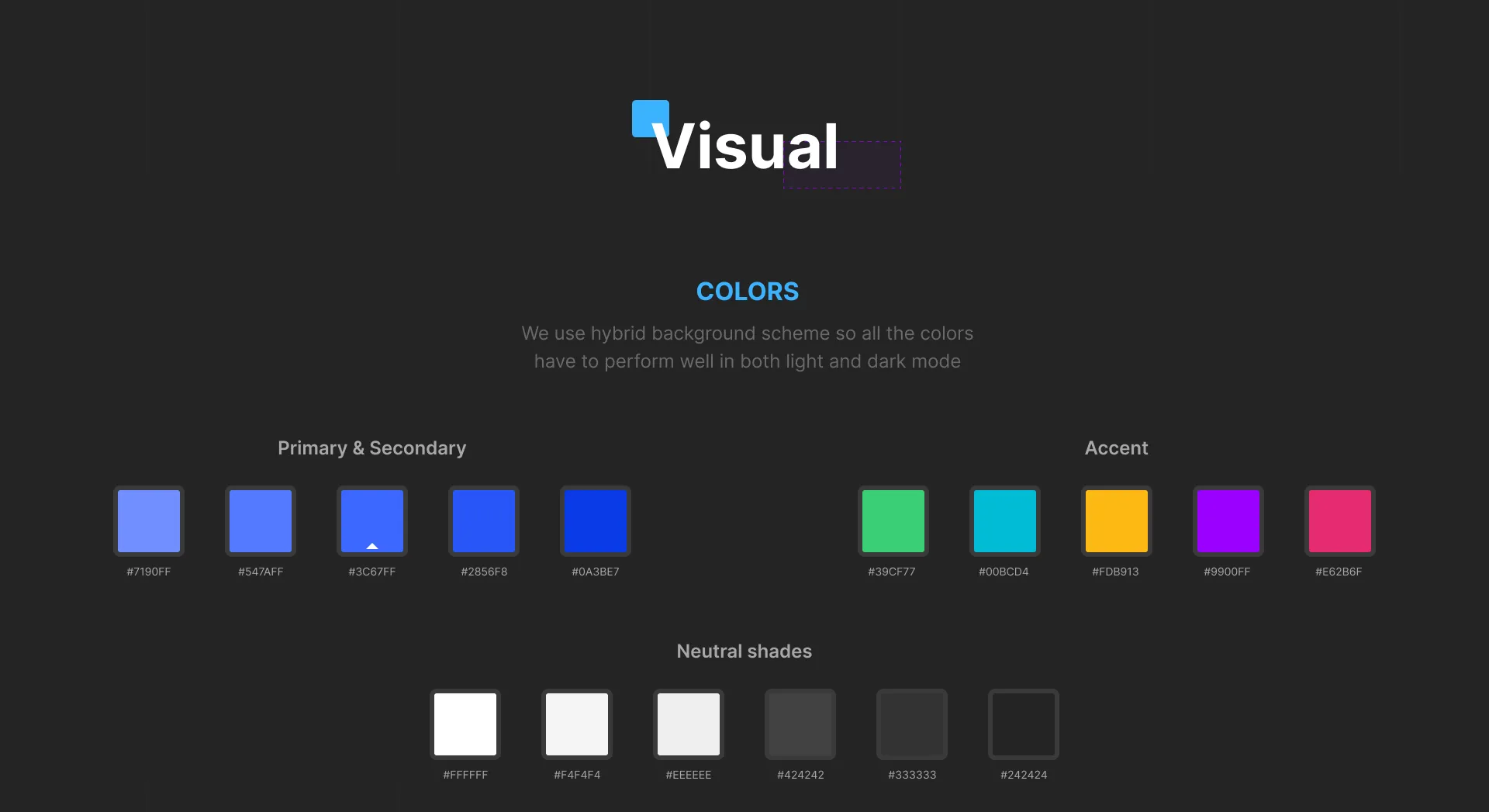
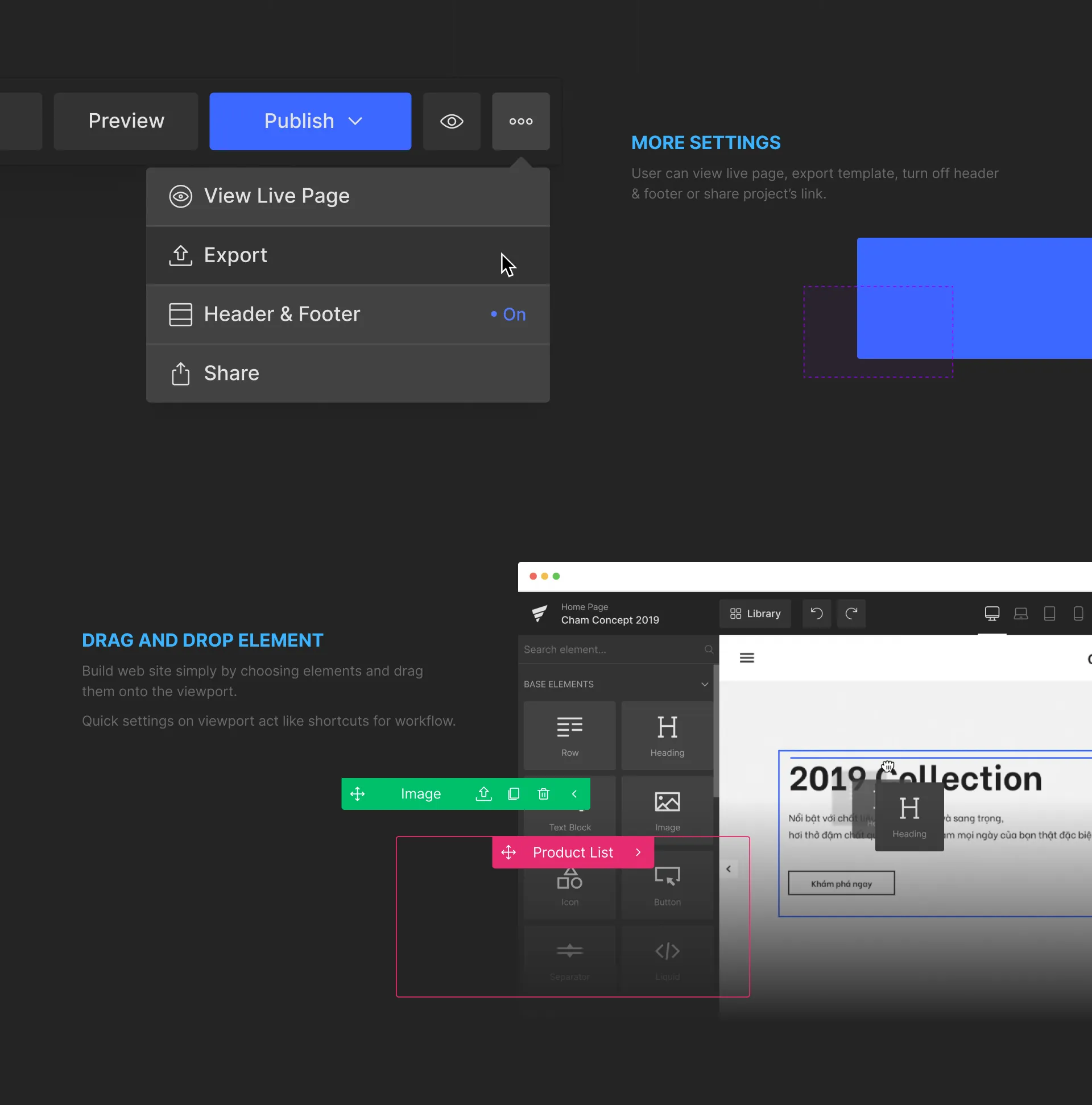
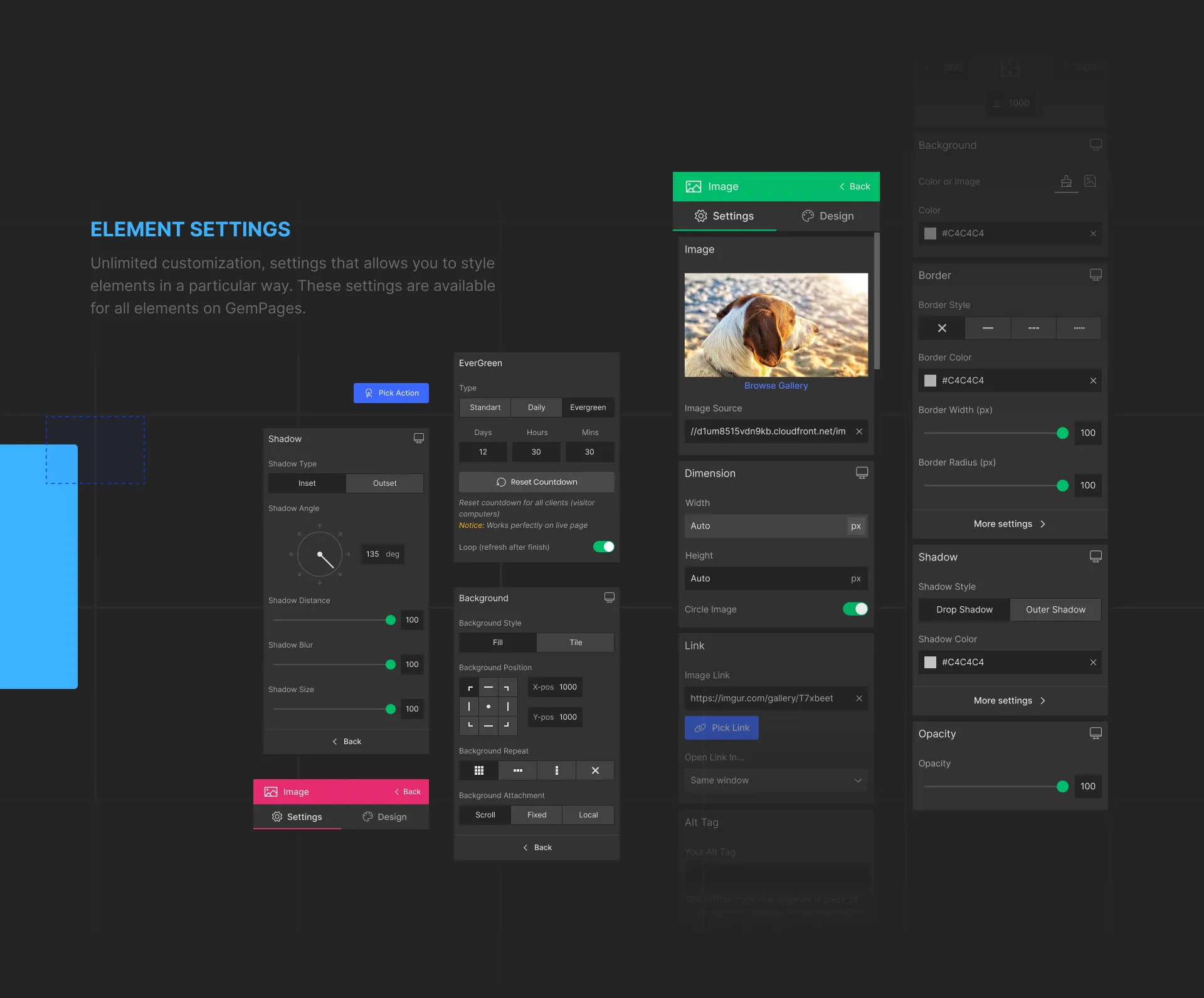
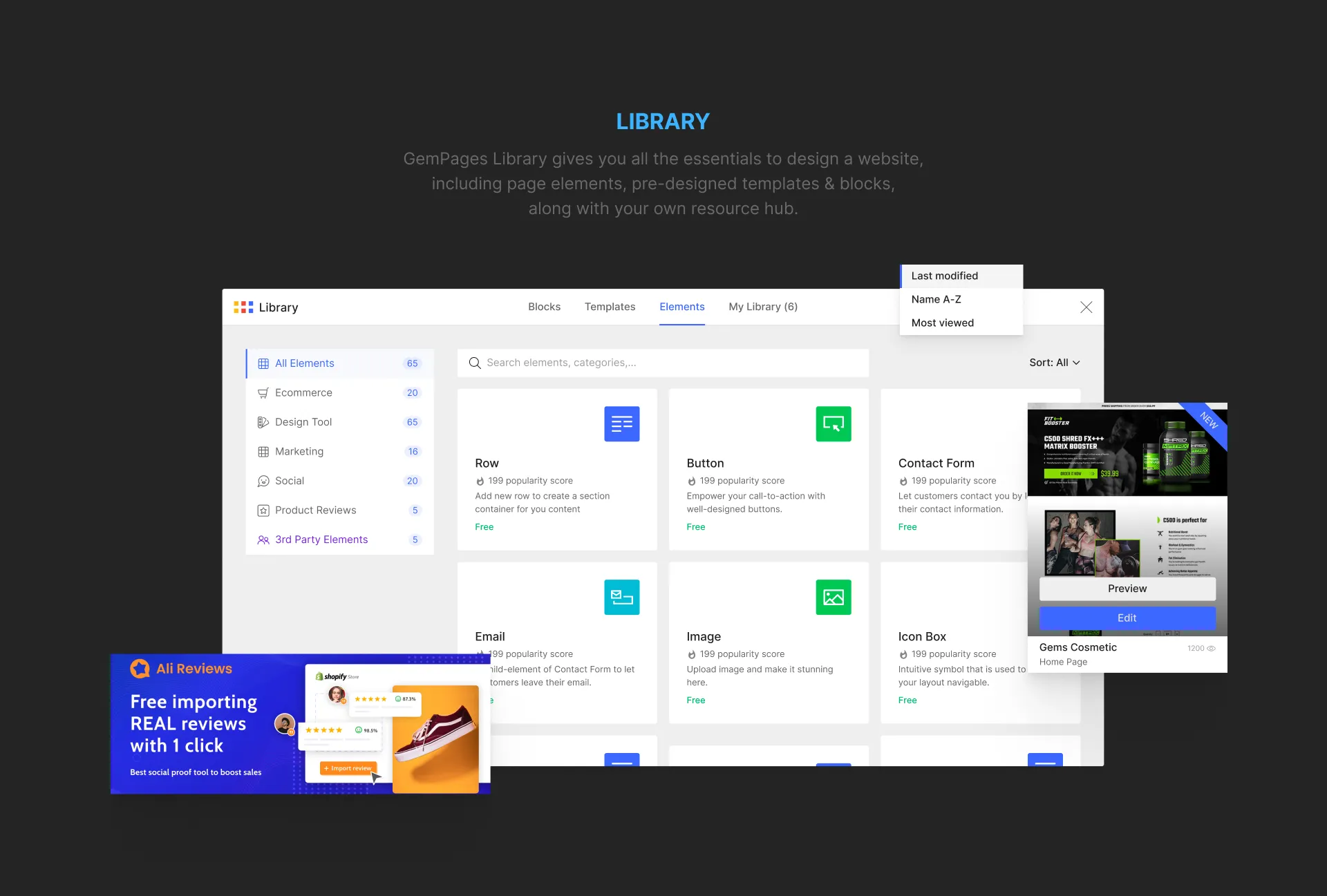
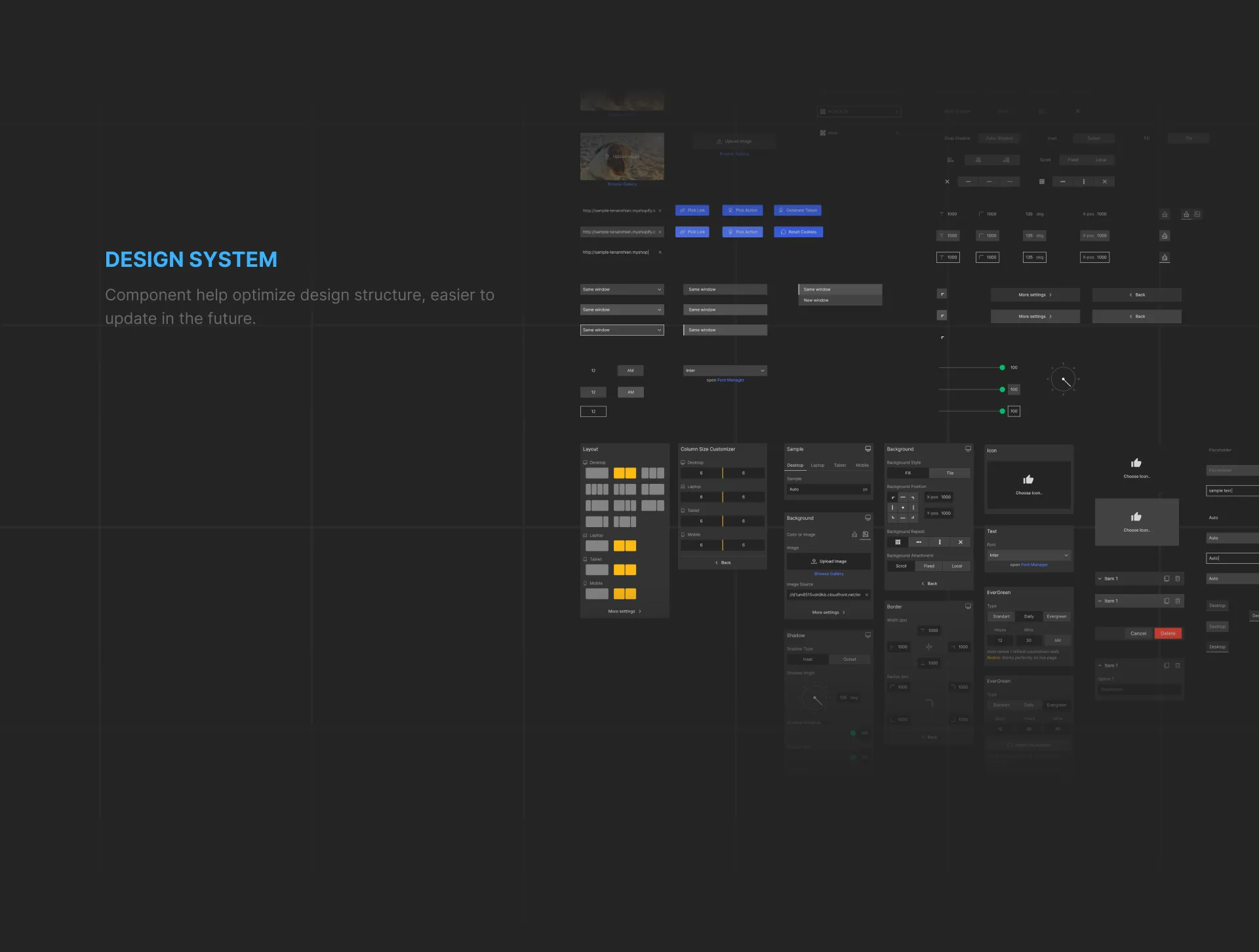
GemPages Editor cover: the editor on a laptop, with setting panels floating beside itColors: primary, secondary and accent colors, and neutral shades, chosen to work in both light and dark modeTypography: Inter in bold and regularIconography: the editor's element icons, and illustrated icons for the error statesUI design: the editor on a laptop, editing a furniture store pageMore settings in the Publish menu, dragging and dropping elements onto the page, and the Base Elements panelHand-crafted elements: 65+ elements, compatible with every theme and third-party appsElement settings: shadow, countdown, background, image, border and opacity panelsThe library: page elements, pre-designed templates and blocks, and the user's own saved itemsThe design system: the components behind the editor's panelsThanks for scrolling. Team leader: Jay Tran. Designers: Vu Truong Sinh, Duc Dao. Advisor: Luong Nguyen