
- UI
What is shadow anyway?
What a shadow actually is, how light shapes it, and practical tips for designing convincing shadows in UI.
· 8 min read
Warm up
Let’s create shadow for a rectangle as the way you used to created.
Opening
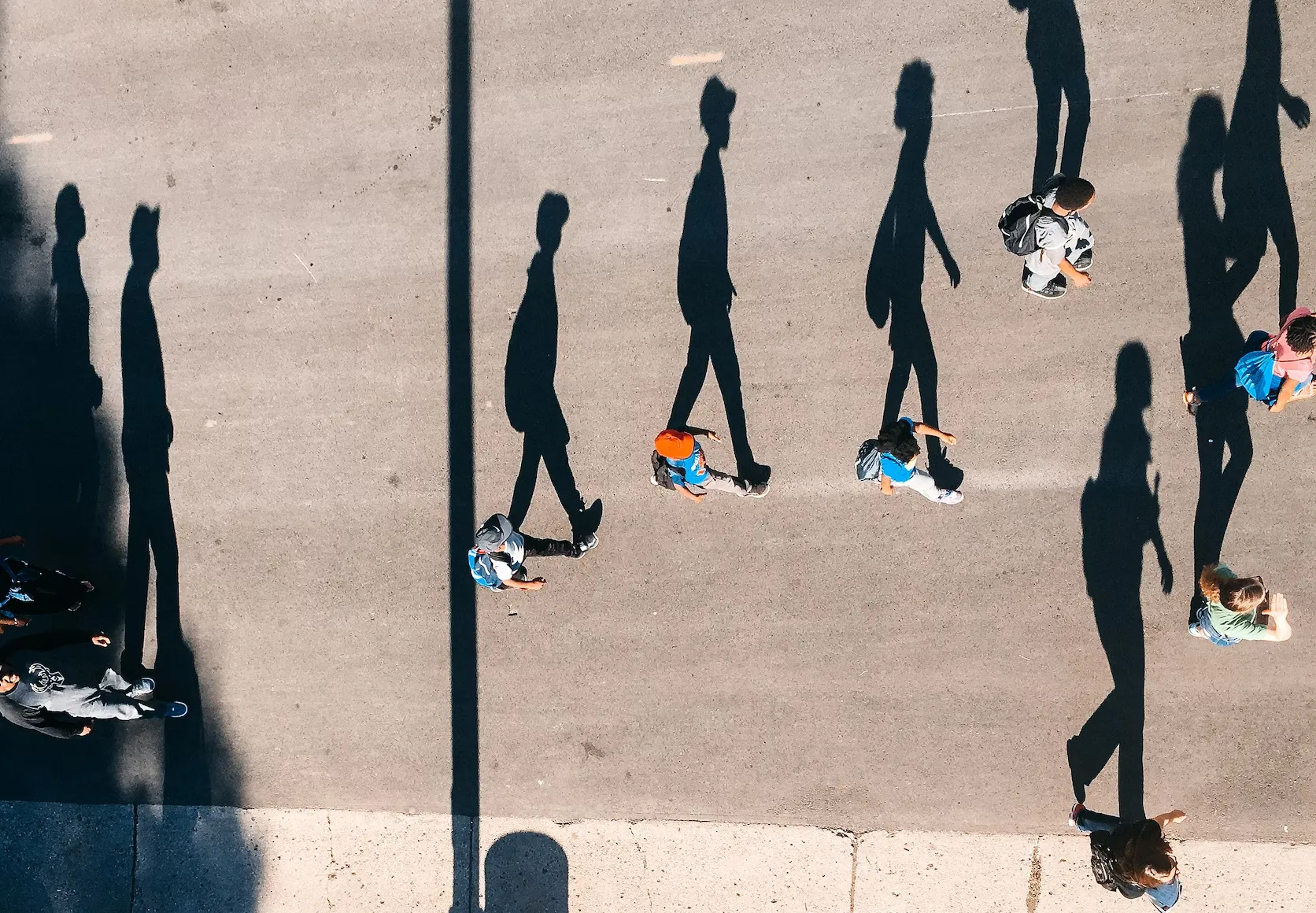
Shadow exist in every waking moment of your existent. But can you define what is shadow? What colour is shadow? Where does it come from? Does it have… weight?
So what it is then?
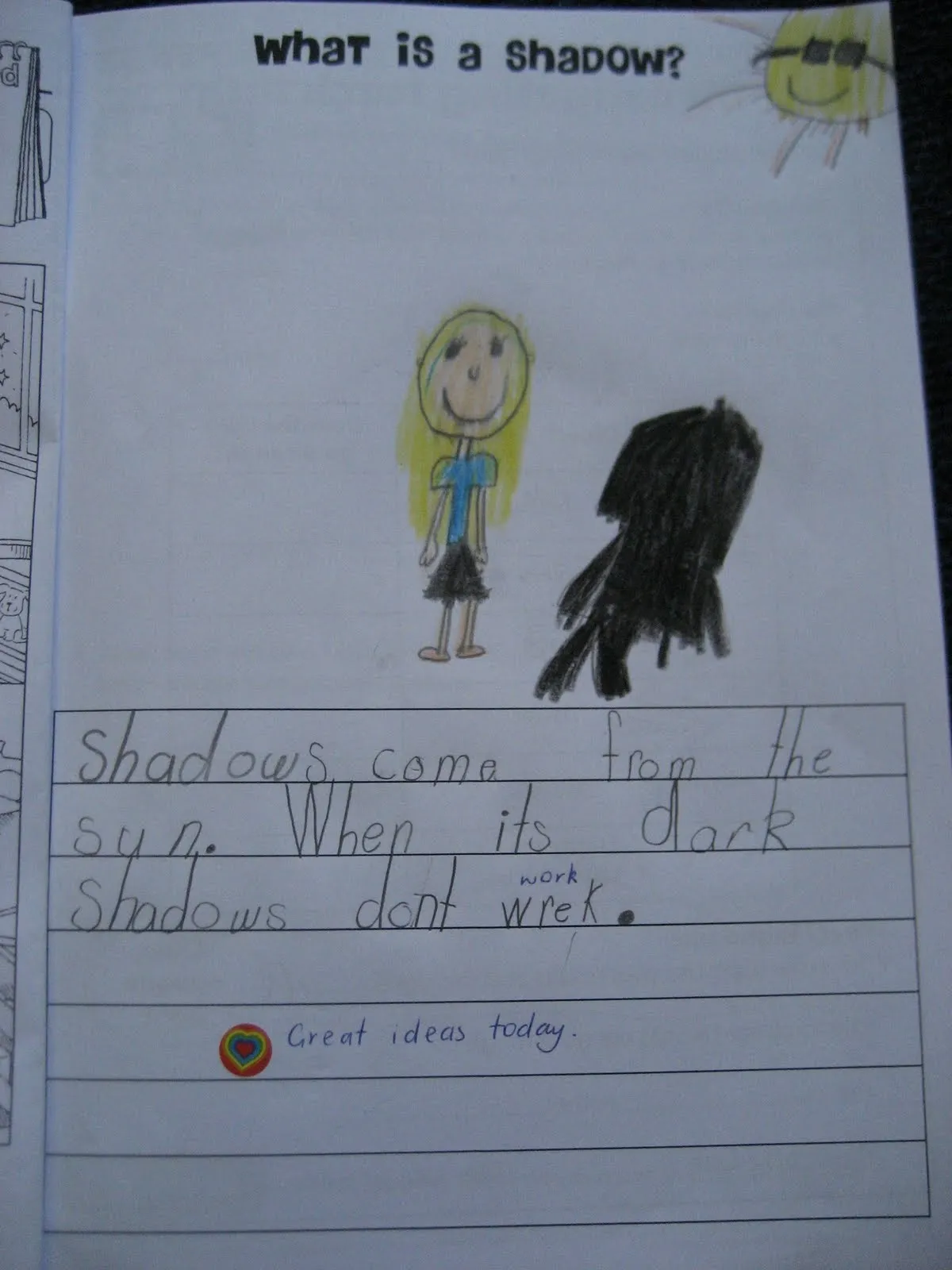
Shadow is just the lack of light, it doesn’t come from anything.
In reality, light photons bounce on everything they hit, so complete darkness only happens in the completely closed environment without any open gap. In your daily life, shadows we see usually combined by many shadows or is refracted by many sources of light/bounced light from other surfaces.
So let’s see how it created
Let’s break the shadow down
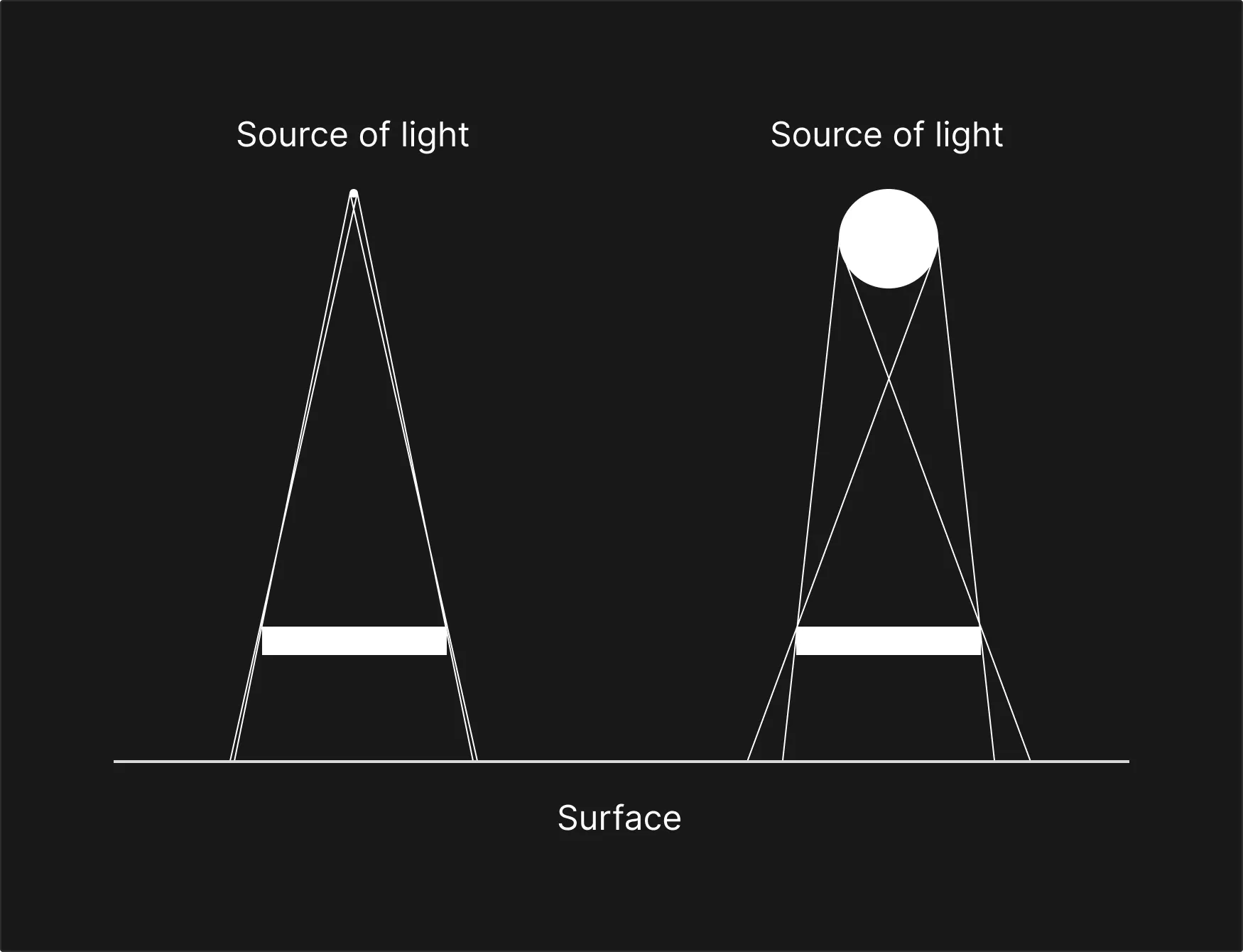
The image above describe exactly why the the flashlight cast very sharp shadow but not your ceiling lamp. Light travel in the shortest distant, so light comes from the source always want to travel the less distant the better, in this example - straight line it is.
But in reality, light doesn’t just come from one source, like I stated before:
…the shadow we see usually combined by many shadows or is refracted by many sources of light/bounced light from other surfaces.
Light bounces around, interact with things, it goes through transparent objects and bounce off when it meets a shiny surface.
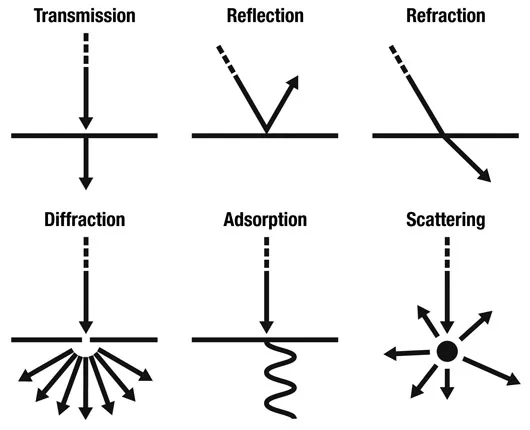
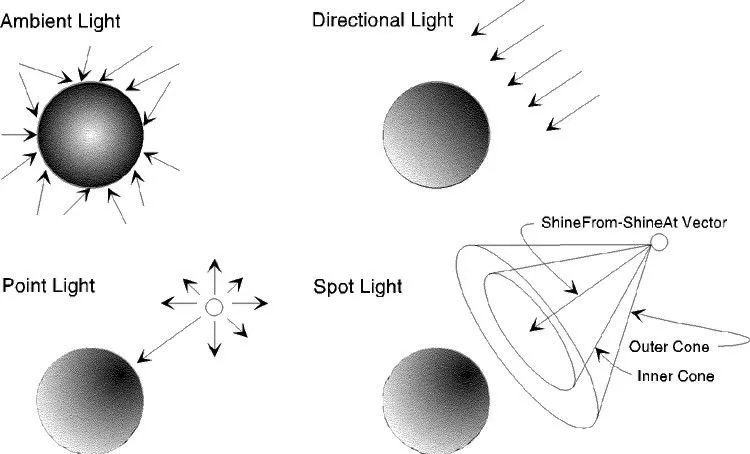
Light is a fascinating subject, it travel at the speed of 299.792.458m/s ~ 300.000km/h (most of the time) through 151.71 million km from the sun just to melt your ice cream.
Some cool facts:
- It takes 8 minutes and 20 seconds for the light to travel from the sun to earth.
- There are lots of different types of energy, but light is the only type of energy that we can actually see with our eyes.
- Light energy actually travels an infinite distance and the distance it extends does not depend on the brightness of the bulb. Our eyes can only see light of certain brightness; therefore, can’t see diminished brightness giving the impression that light has stopped.
Why shadow in UI?
Light bounce off stuff, but in UI, we can not take stuff into account when creating shadow for objects. That’s just too much work and ain’t nobody got time for that™. But first, why shadow?
-
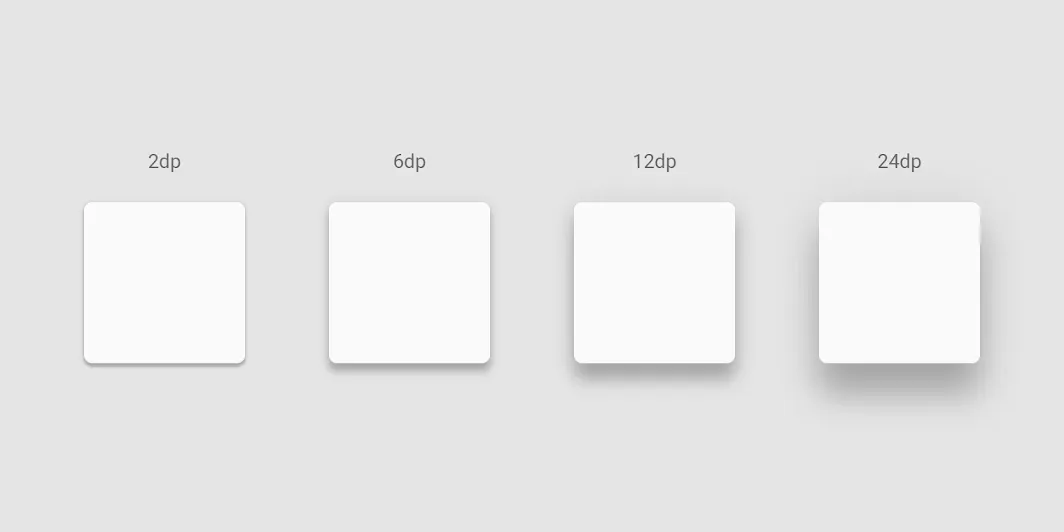
It creates hierarchy: Depth in UI help you in provide hierarchy of components. Help user identify which is more important than the other or what’s currently in select.
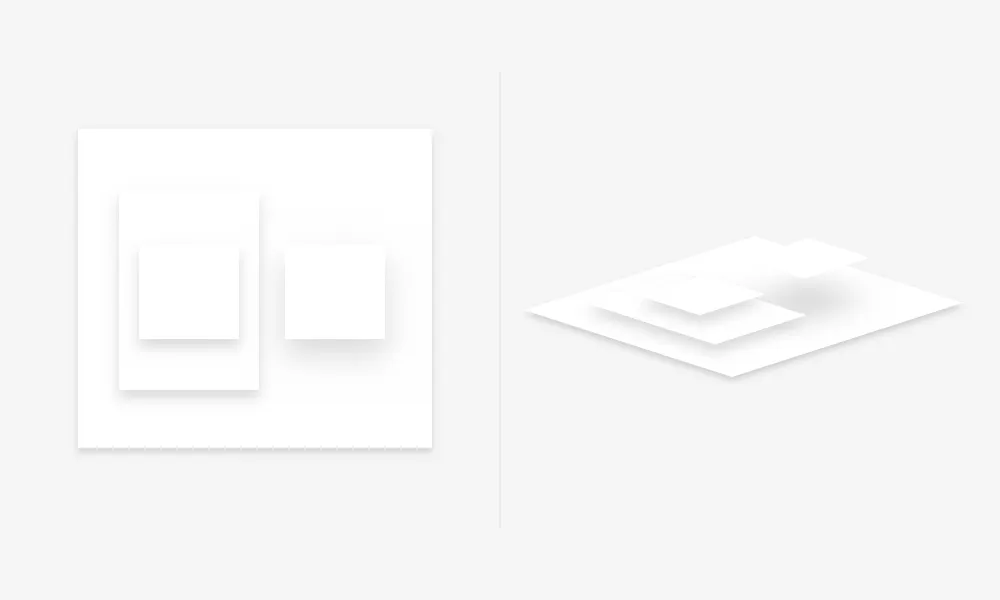
Google elevate shadow illustration. material.io -
Visual interest: Eye catchy and shit.
-
Make UI more engaging and realistic: The design mimic the real world would feel more friendly (more logic) and more interesting for the users.
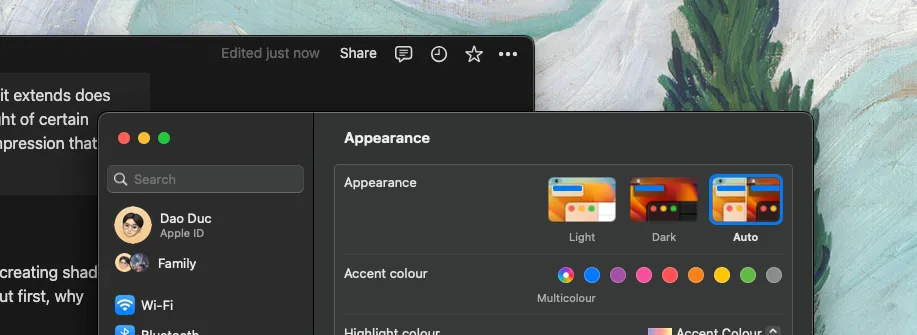
It's like I have a floating card on my desktop, how cool is that?
How to create a chef kiss shadow
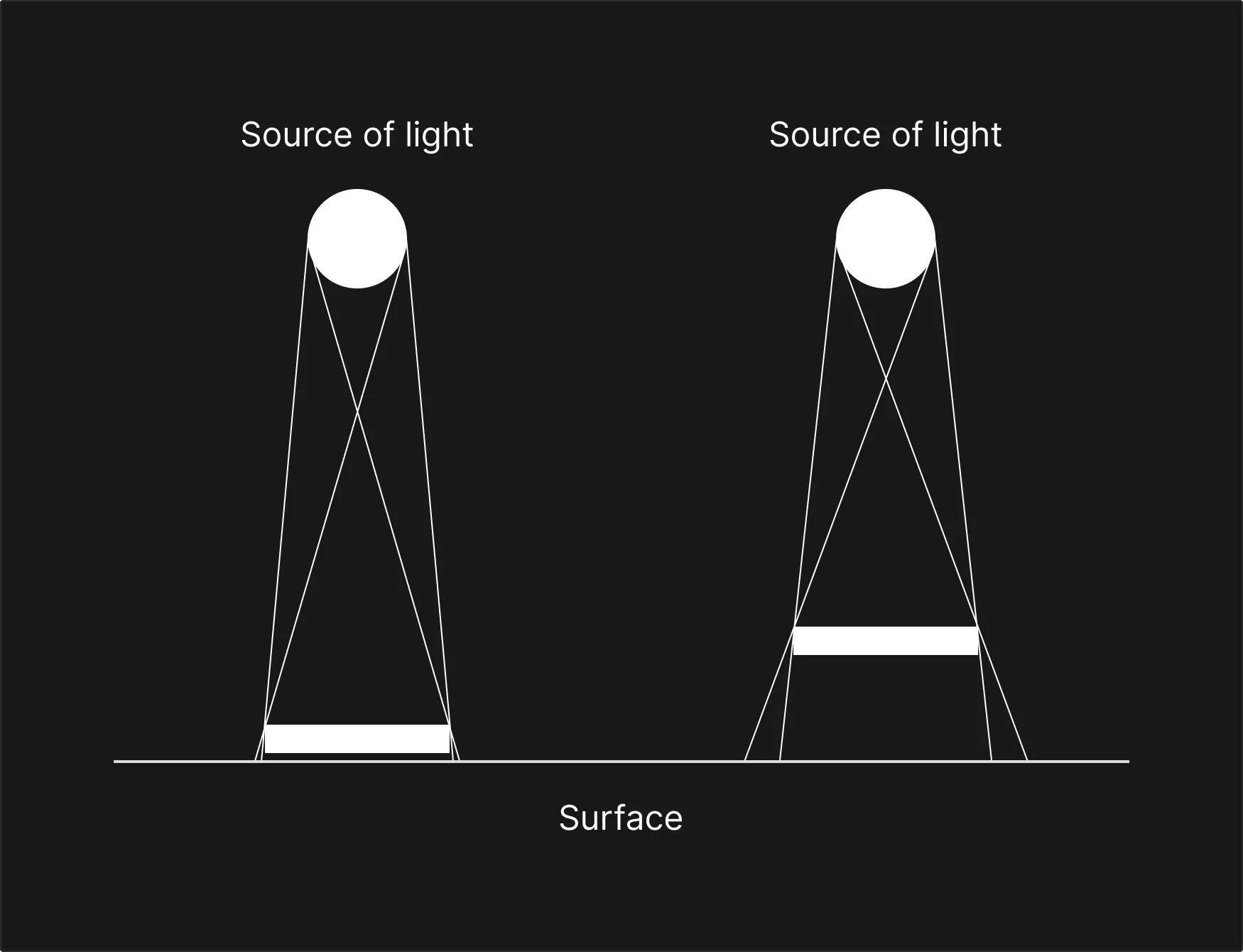
Rule of thumb: The further the element from the surface, the blurrier the shadow. As illustrated above, the source of light stays the same for the two example but the element from the left is closer to the surface than the other. Thus create a smaller and less blurrier shadow.
Here some tips to create a more persuasive shadow
-
Blur: The highest most levitating object also has a shadow with the highest blur value.
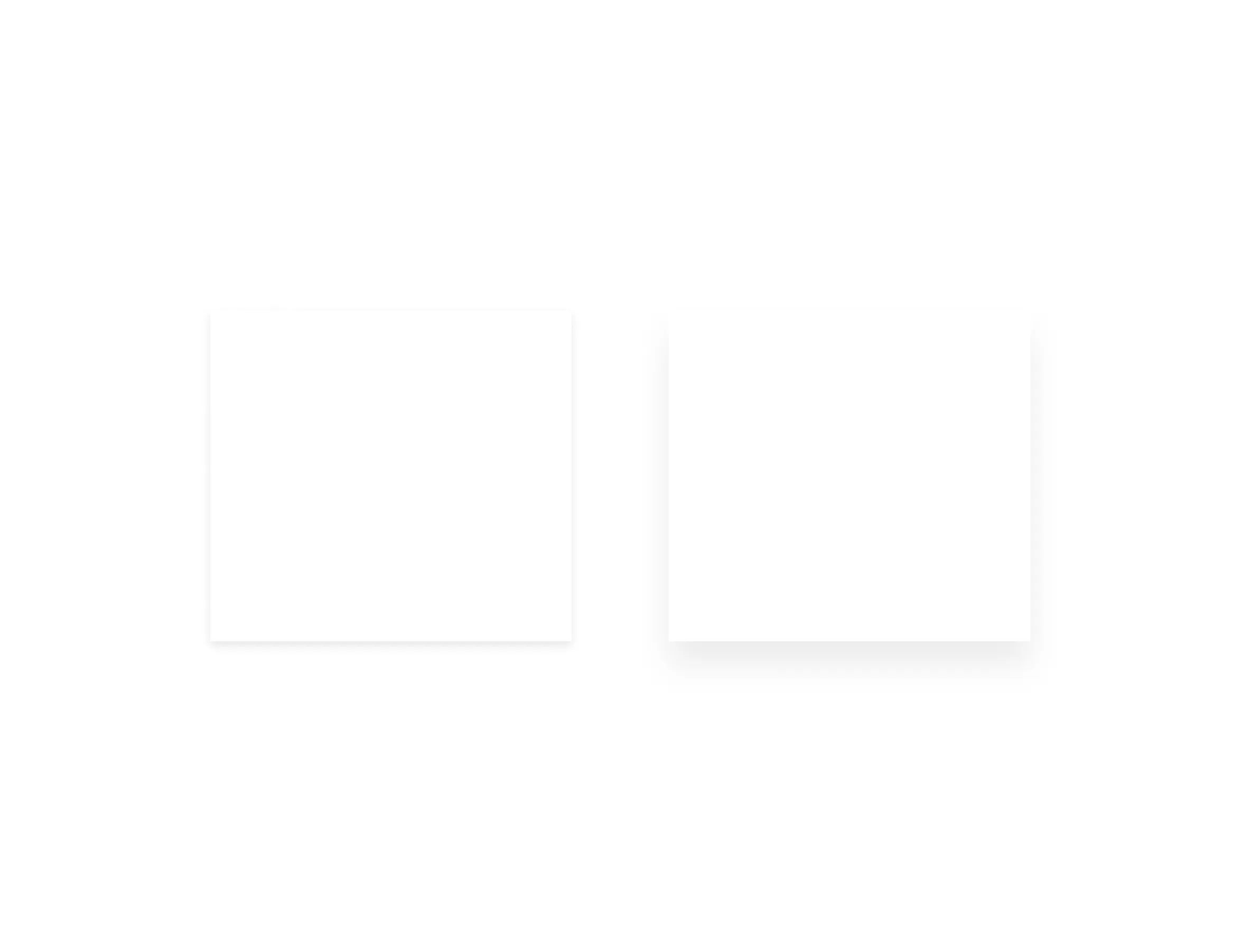
-
Add second light source (mimic the real world with countless light source) for realism: I think 2 or 3 is the optimal way to represent multiple light source in UI. Too much shadow will overload user system.
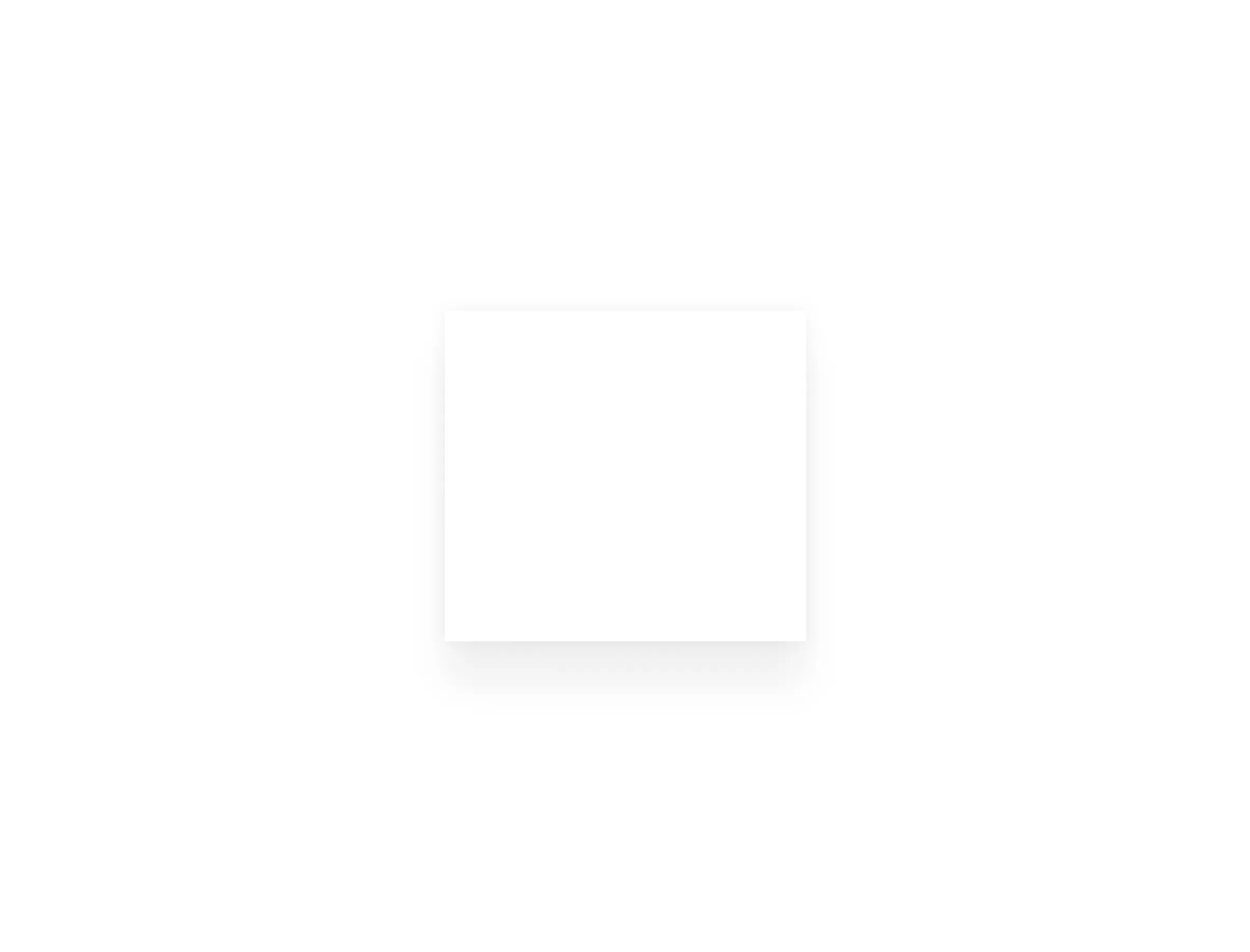
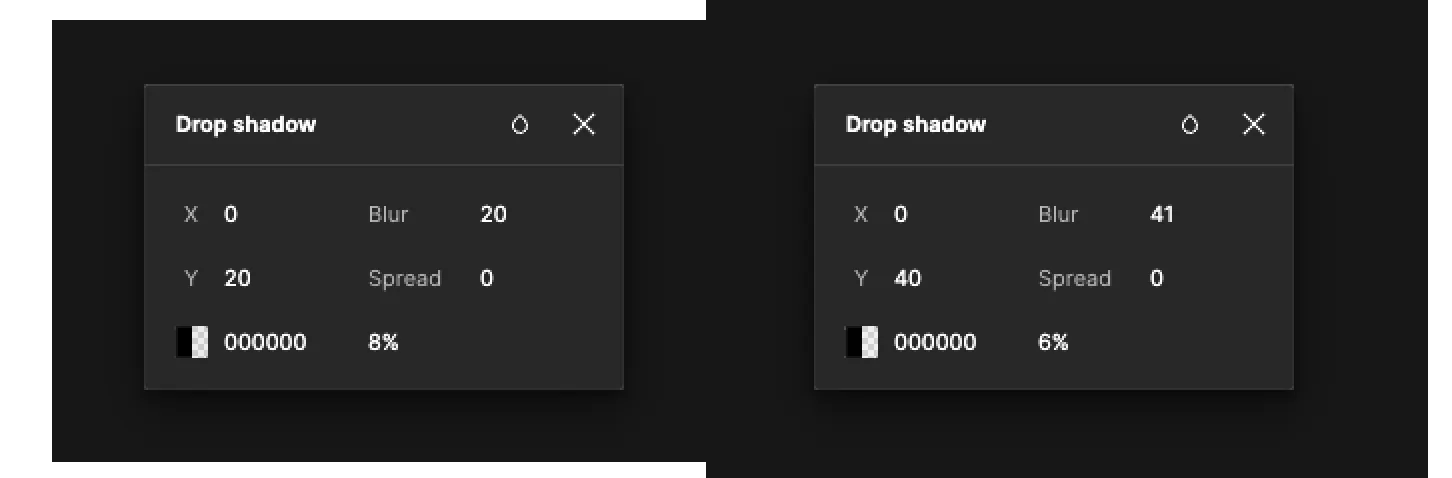
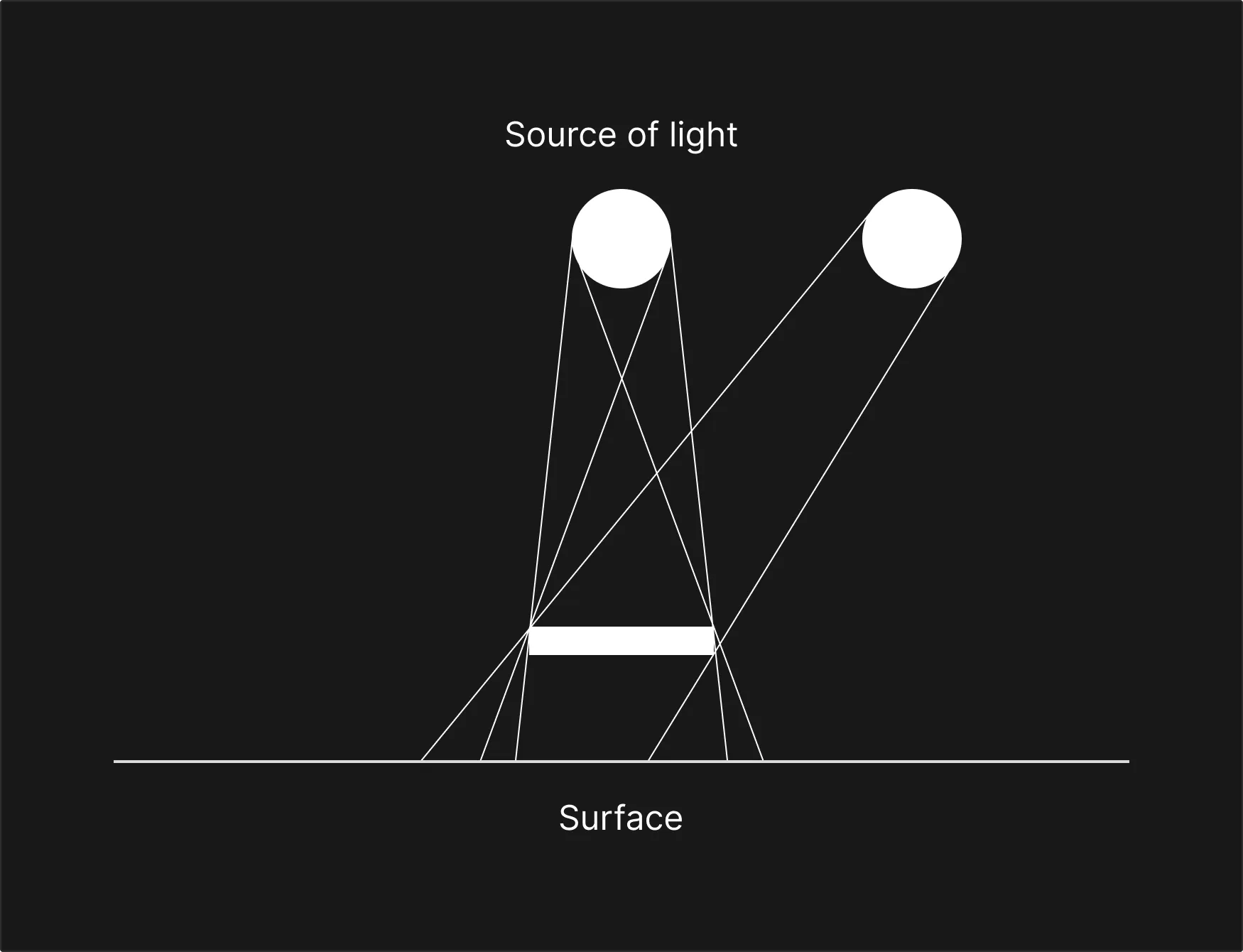
Illustration for the example above (not for scale) -
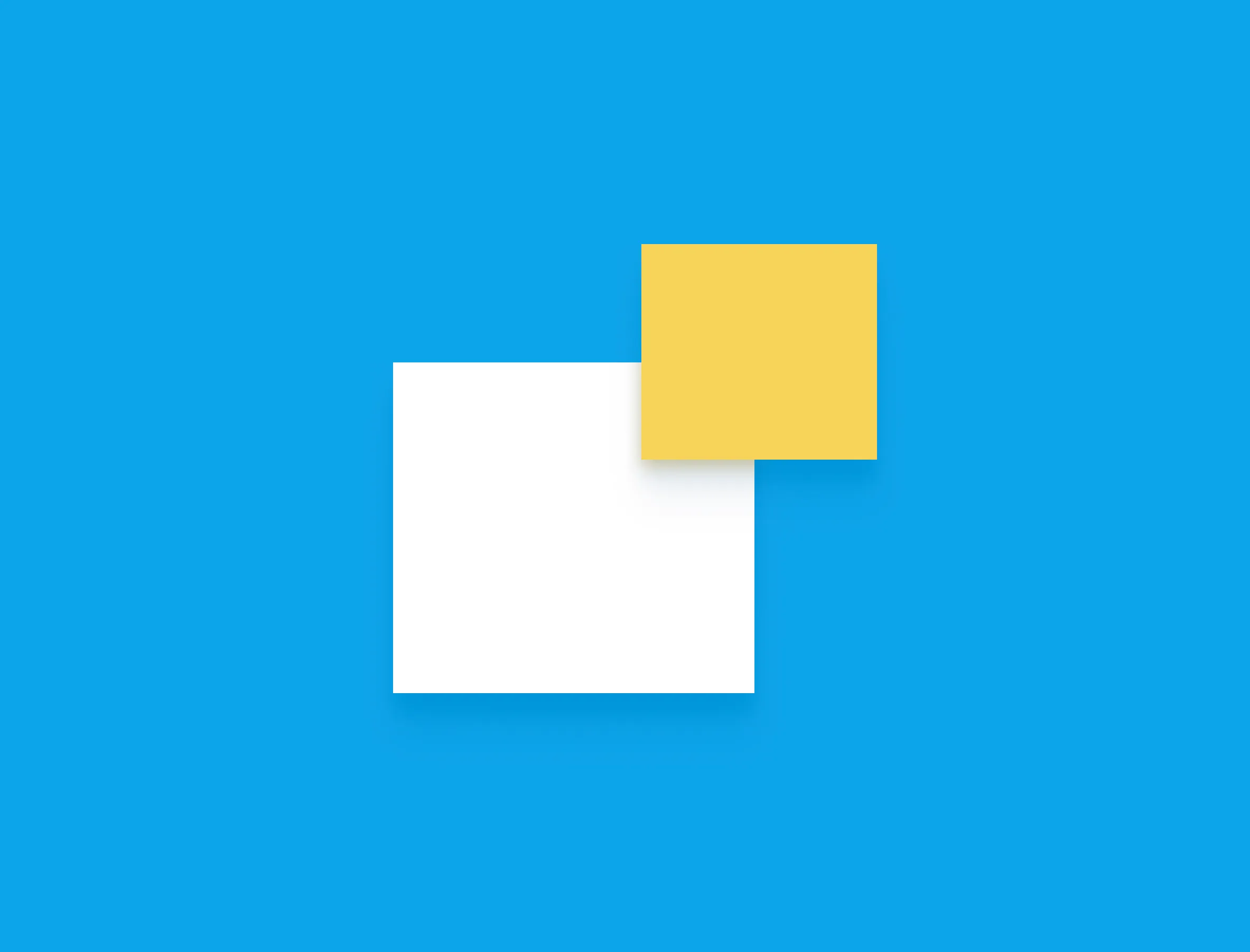
Ambient light: Light bounce every where and when it bounce, it takes some colour with it. So make your shadow with few shades of colour around the object is the good way to go.
-
Be creative with layer blur: Create another layer, put in beneath and add blur effect to create a more controllable shadow

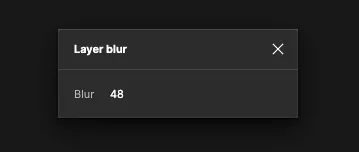
Some tips for your shadow journey
1. Your shadow must be darker than the object itself
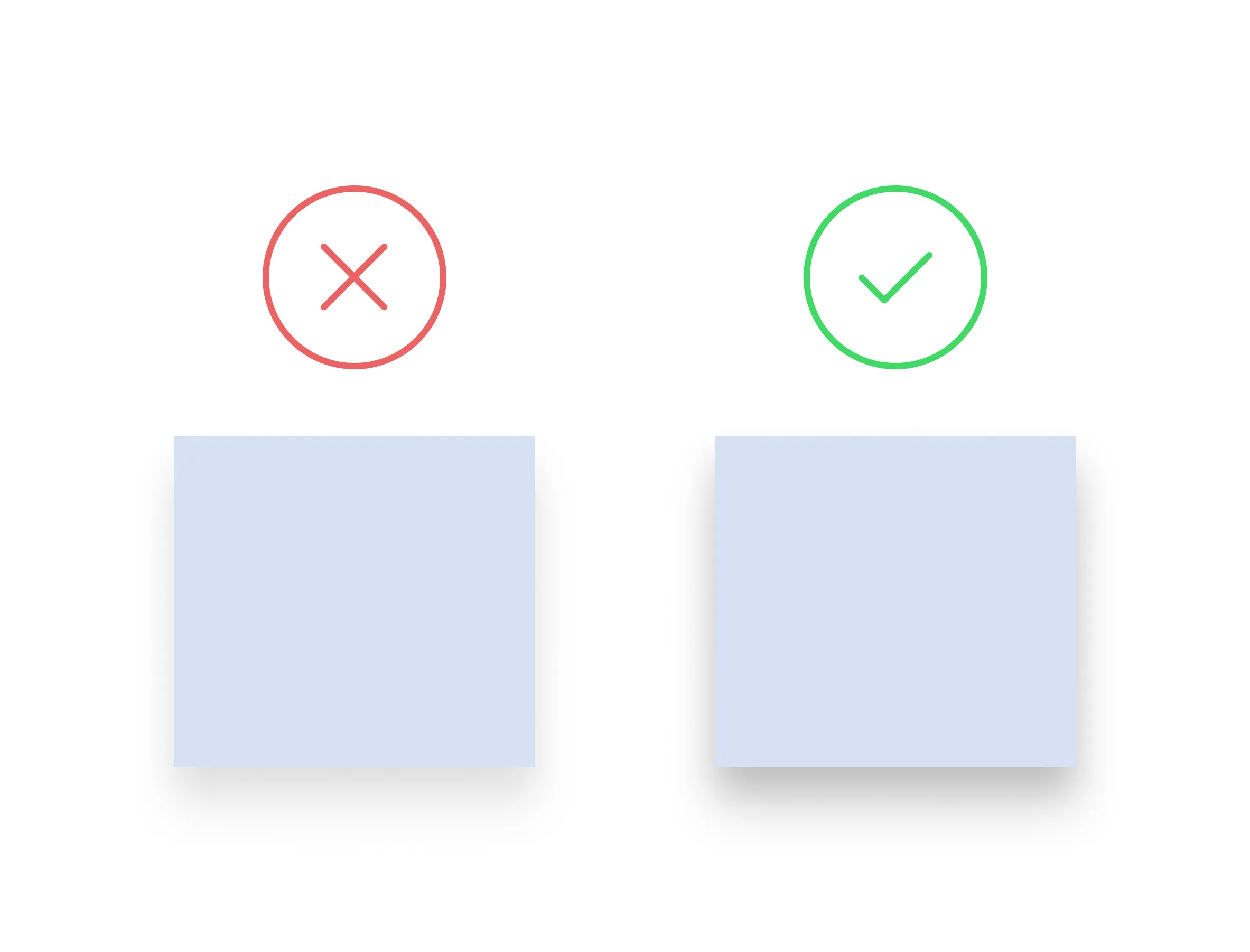
If the shadow is too weak, it would blend into the shape itself, so pay attention to the color of the surface to tweak its shadow accordingly.
2. Don’t overuse shadows
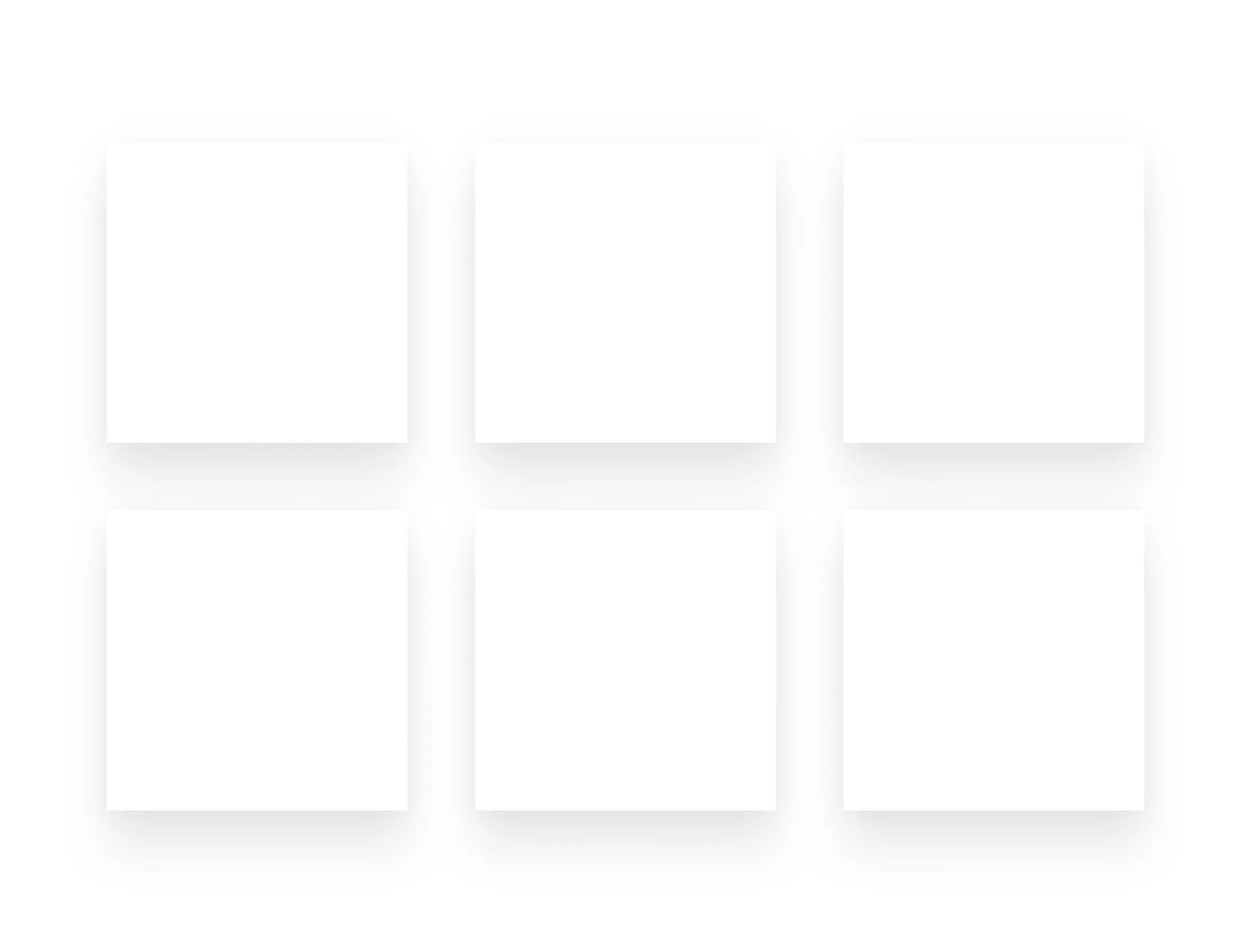
If everything is elevated, nothing is elevated.
3. Darkmode is not good for shadow → enhance it

Make is more visible so it could stand out from the background.
4. Balance between aesthetic and visibility
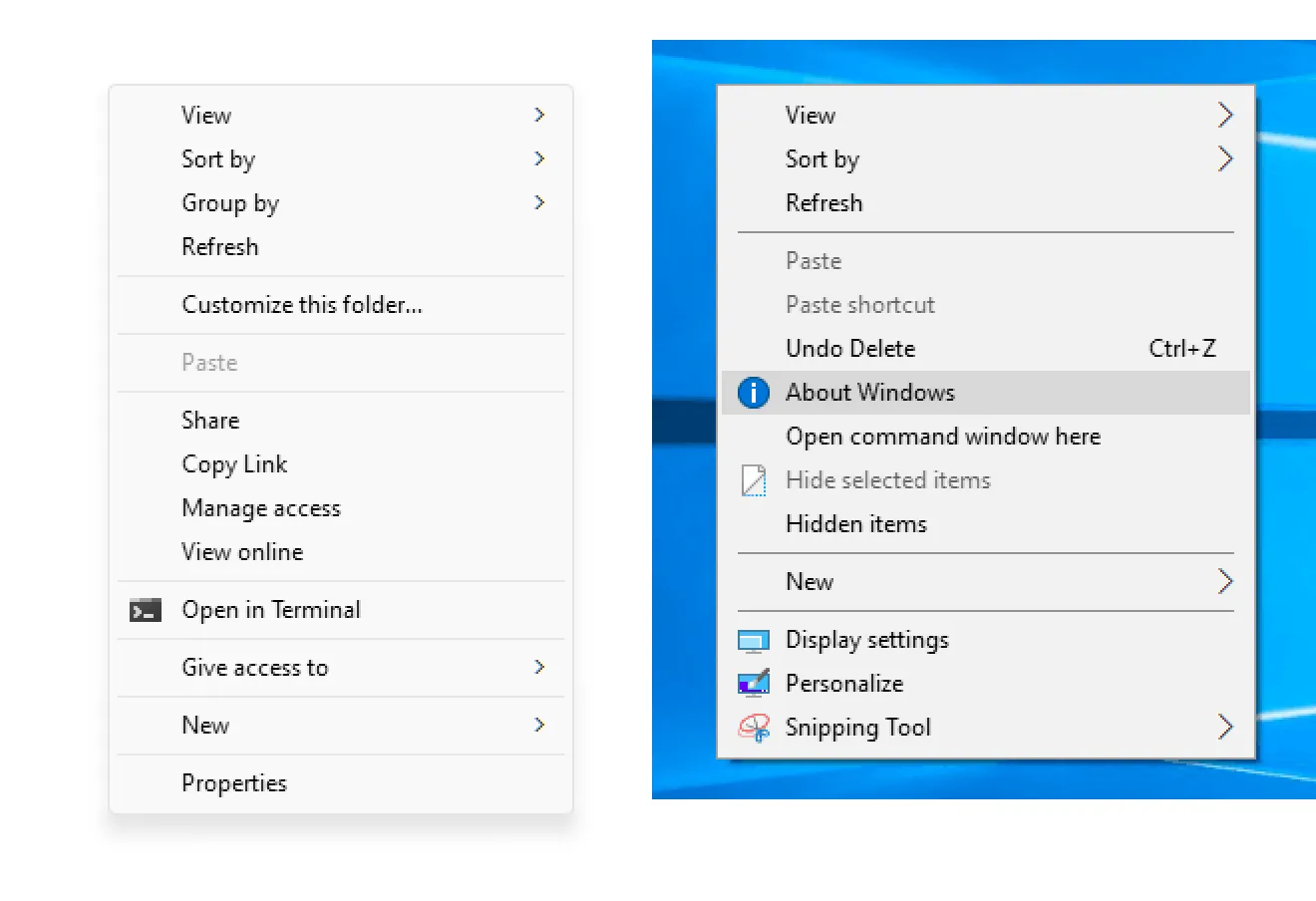
Clearly context menu shadow of Windows 10 (right) has more visibility than 11’s one (left) but it’s the tradeoff for aesthetic. Find your point of balance and you are good to go.
5. Imagine your objects in 3D world
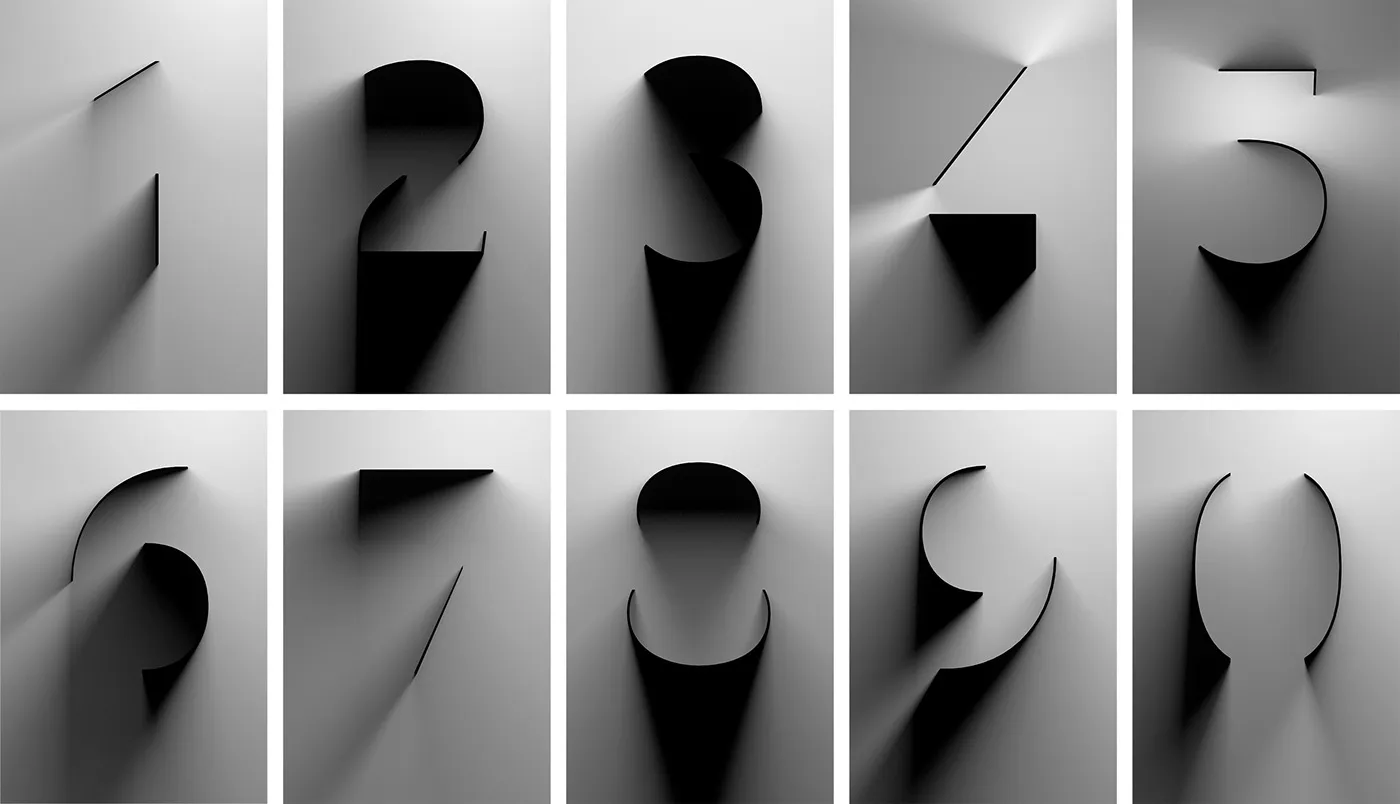
Give your design a realistic feel of directional light in real world
6. Use spread setting
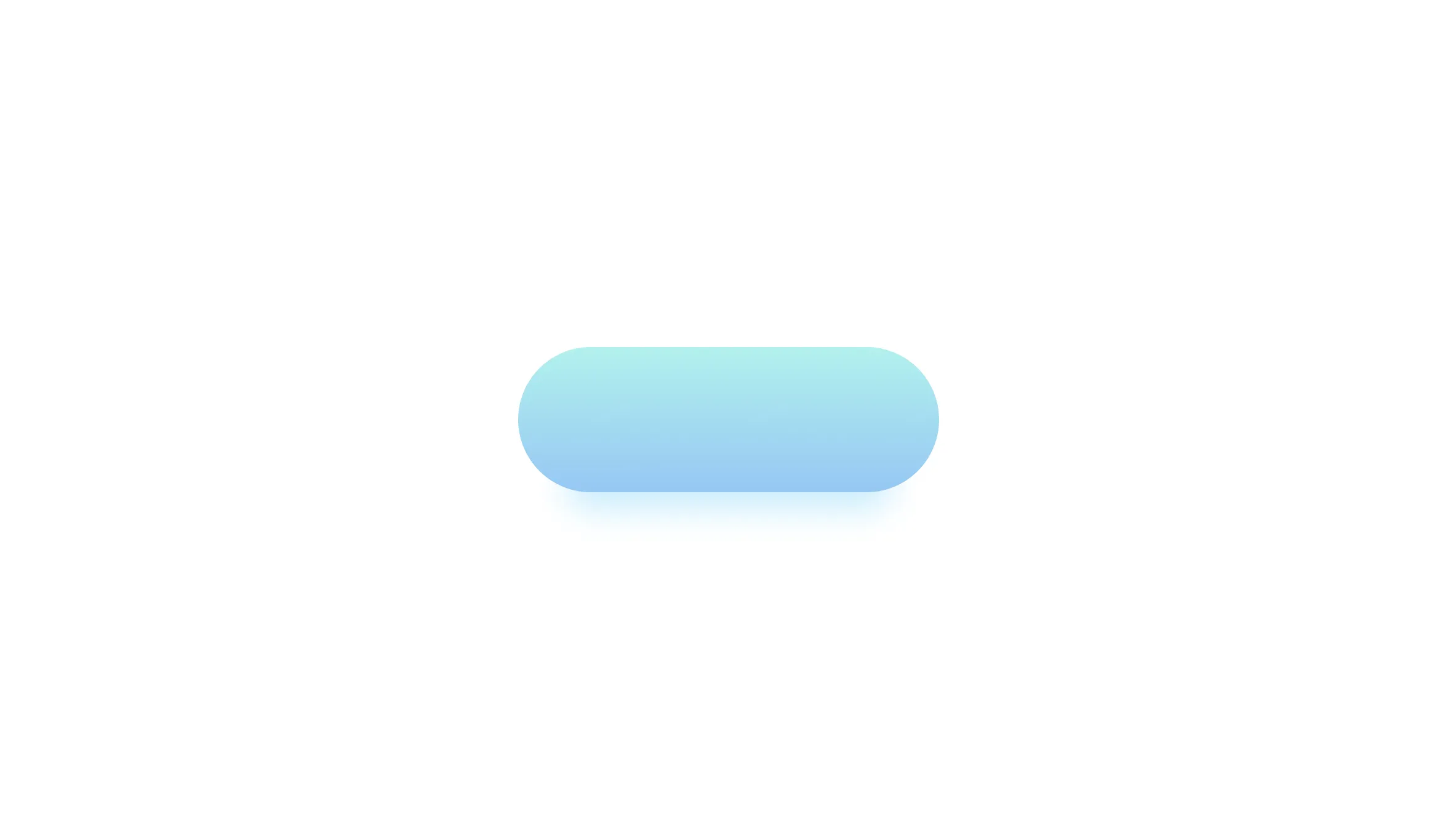
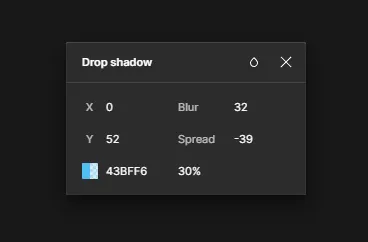
Negative spread setting will give your design a better touch of shadow, it feels like the lightsource is way bigger than the object. In the example above, I changed the colour of the shadow so it feels like the object is made by some transparent material.
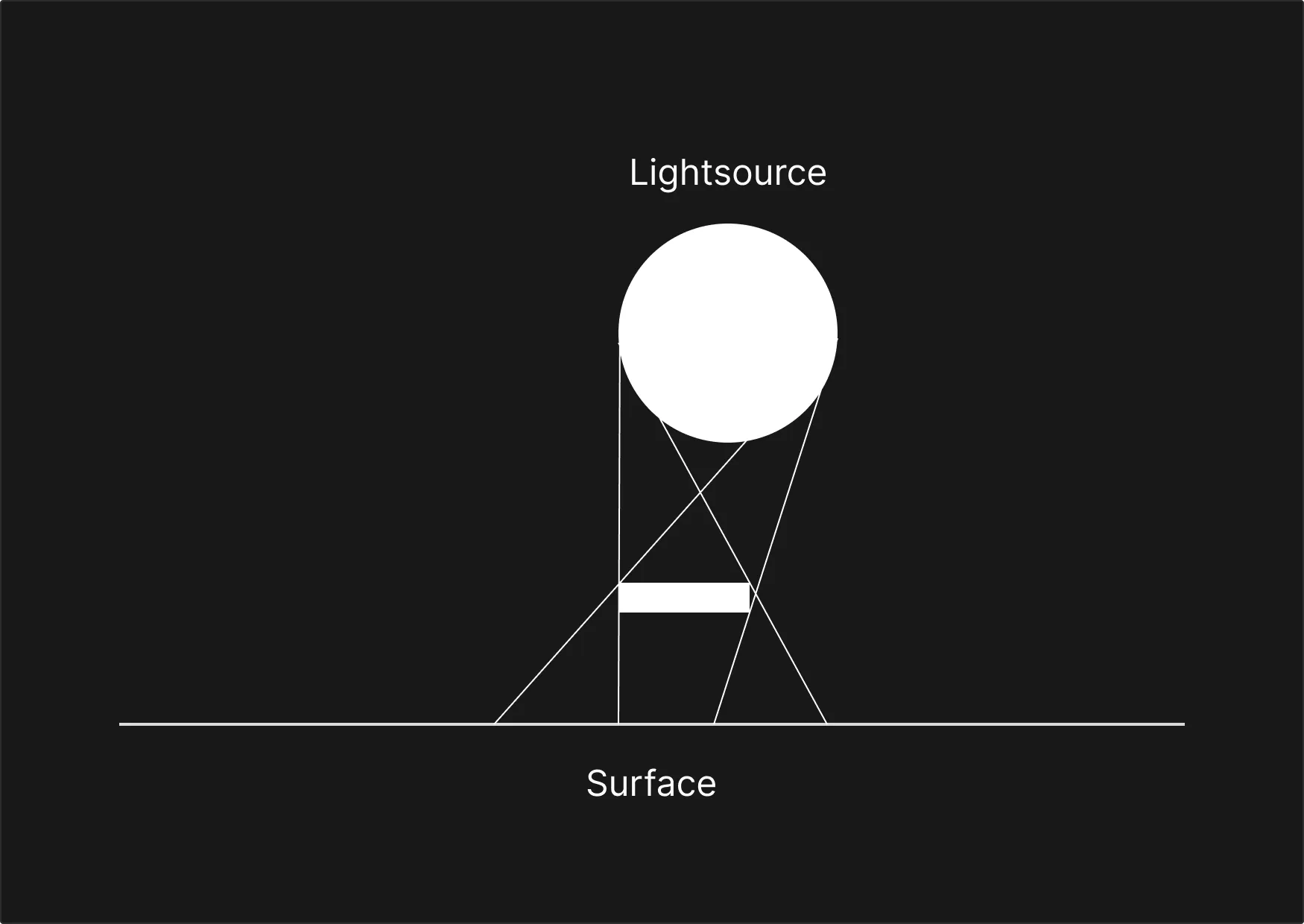
Minigame
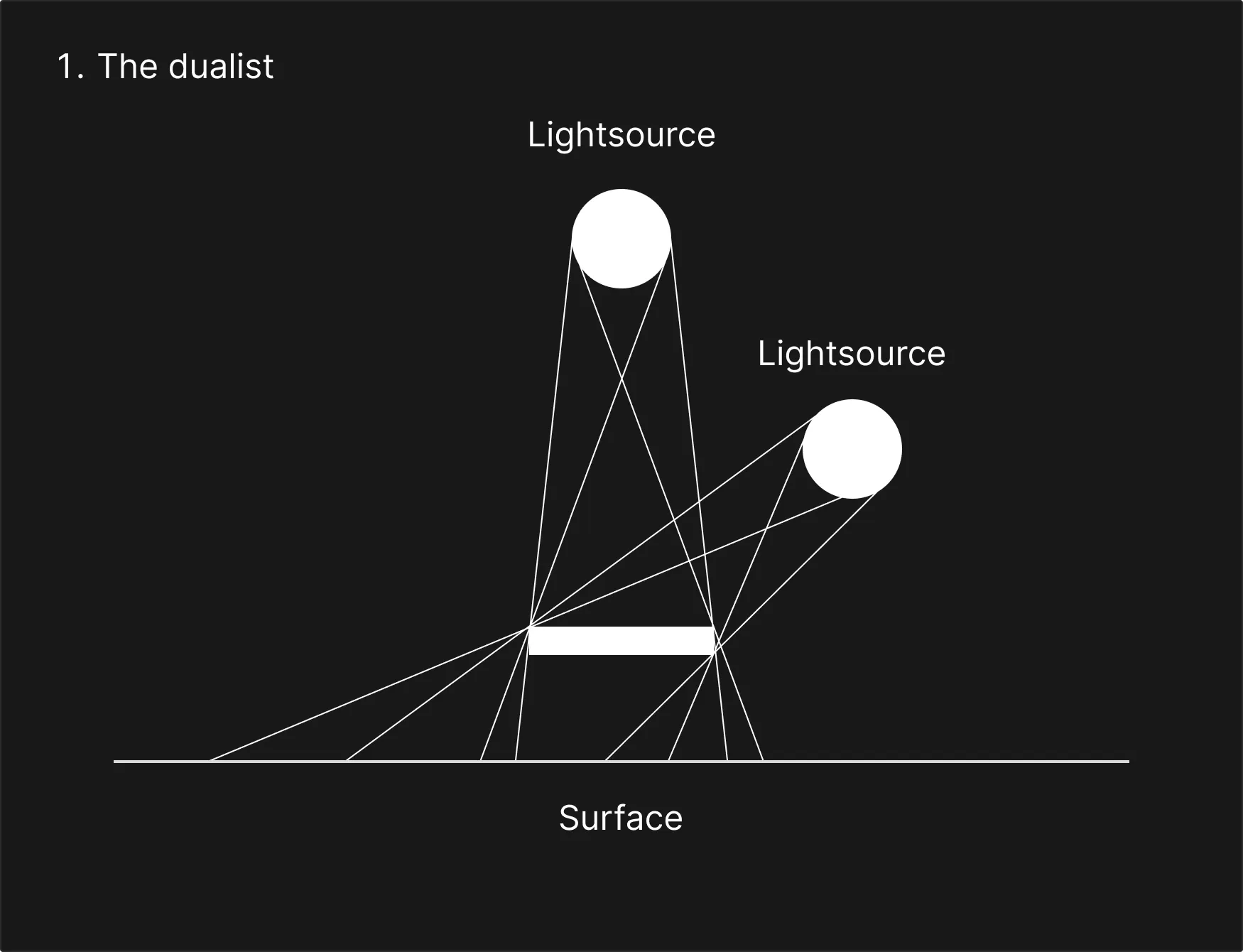
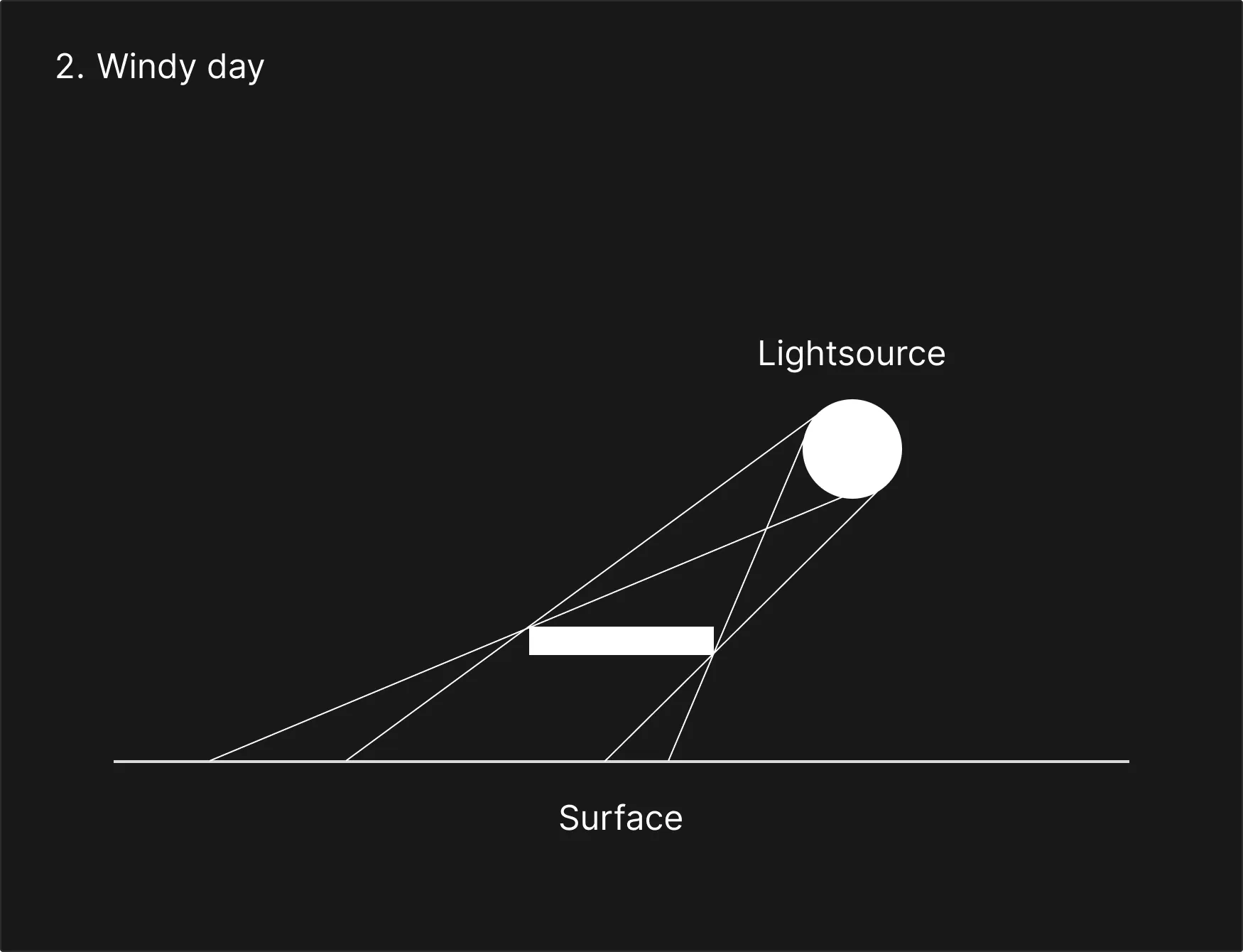
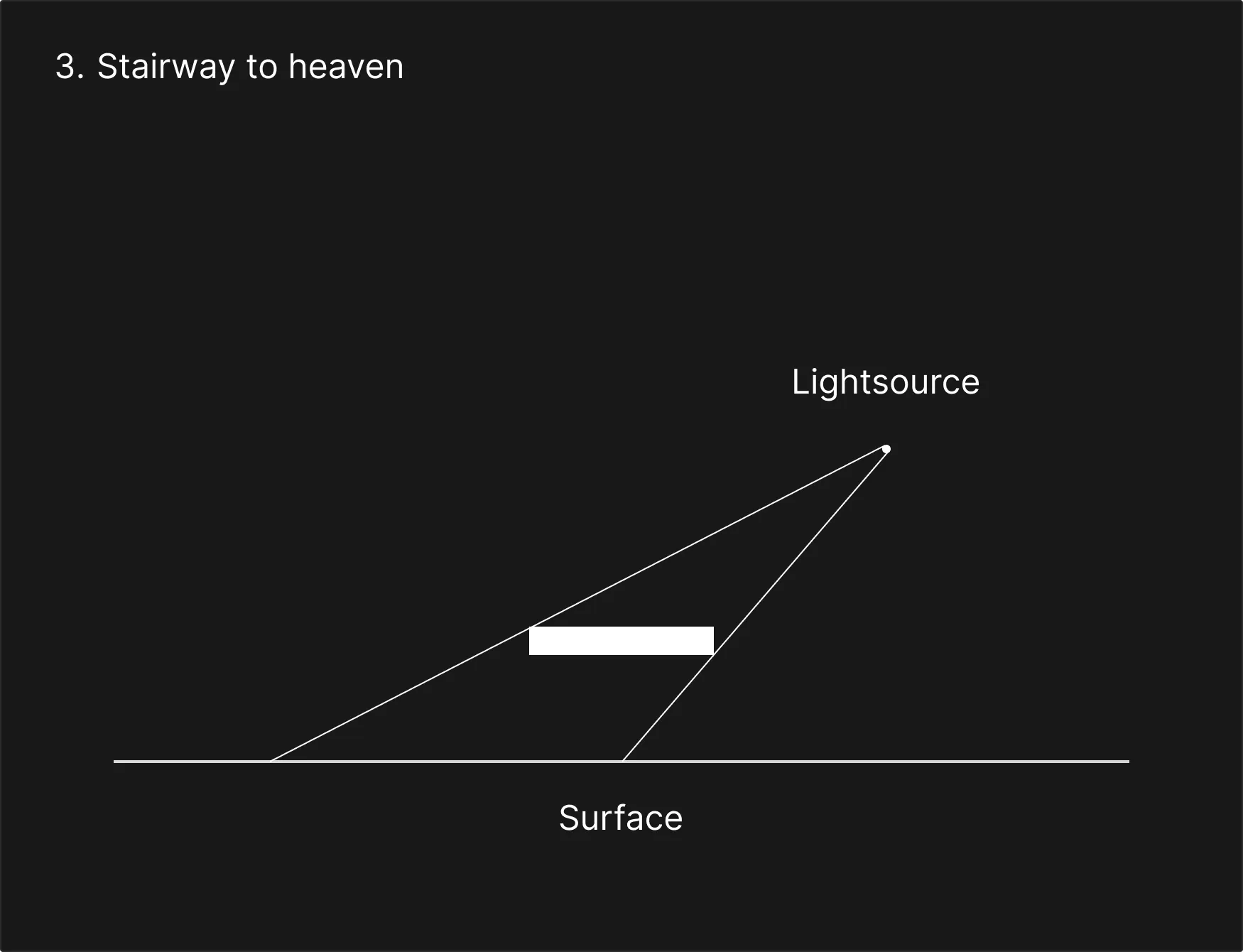
Let’s create shadow according to my illustrations
Info
Inspired by How Much Does a Shadow Weigh? - Vsauce